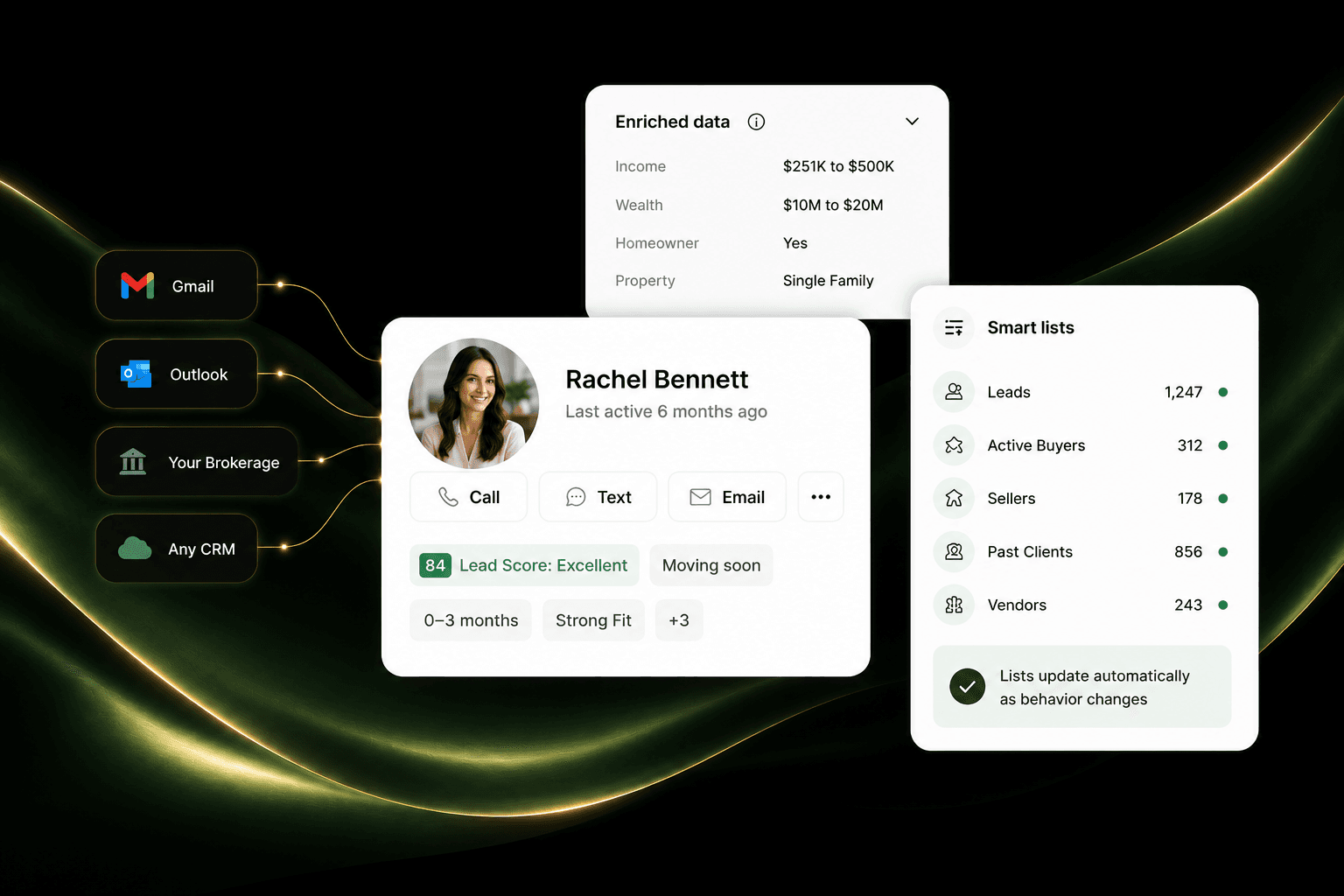
Relationships
Keep the history with the person.
Bring contacts, notes, activity, and property interest together so the next conversation starts with what you already know.
CRM
Keep every relationship, opportunity, note, and next step together so you always know what needs attention.

Your brand
Built around how your business actually works
One connected platform
The tools that should work together, together
Concierge setup
We handle the technical work with you
How it works in practice
A useful pipeline is not about collecting more fields. It is about knowing who matters, what happened, and what should happen next.
Relationships
Bring contacts, notes, activity, and property interest together so the next conversation starts with what you already know.
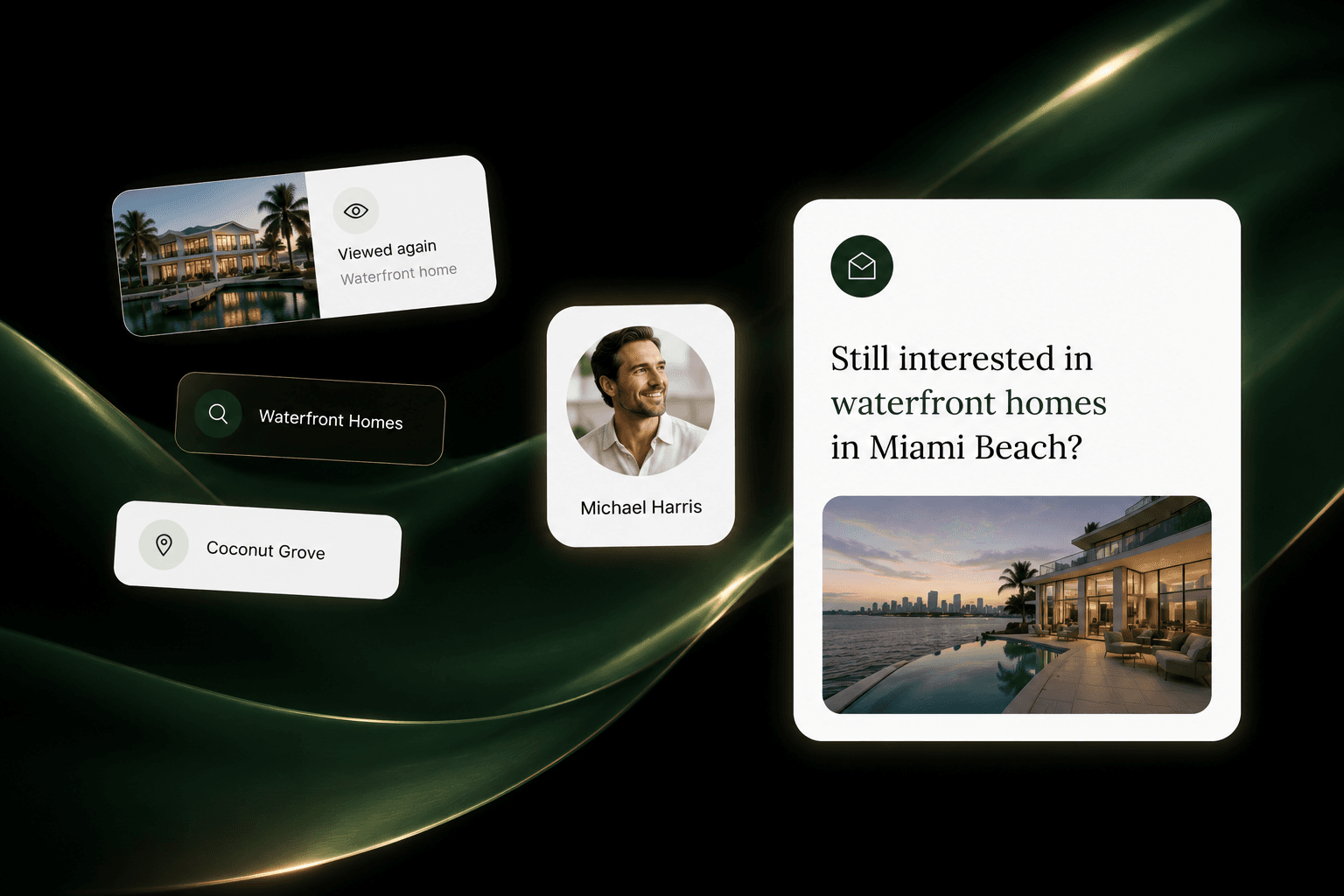
Priorities
Understand who is active, who has gone quiet, and where the next useful conversation is most likely to come from.
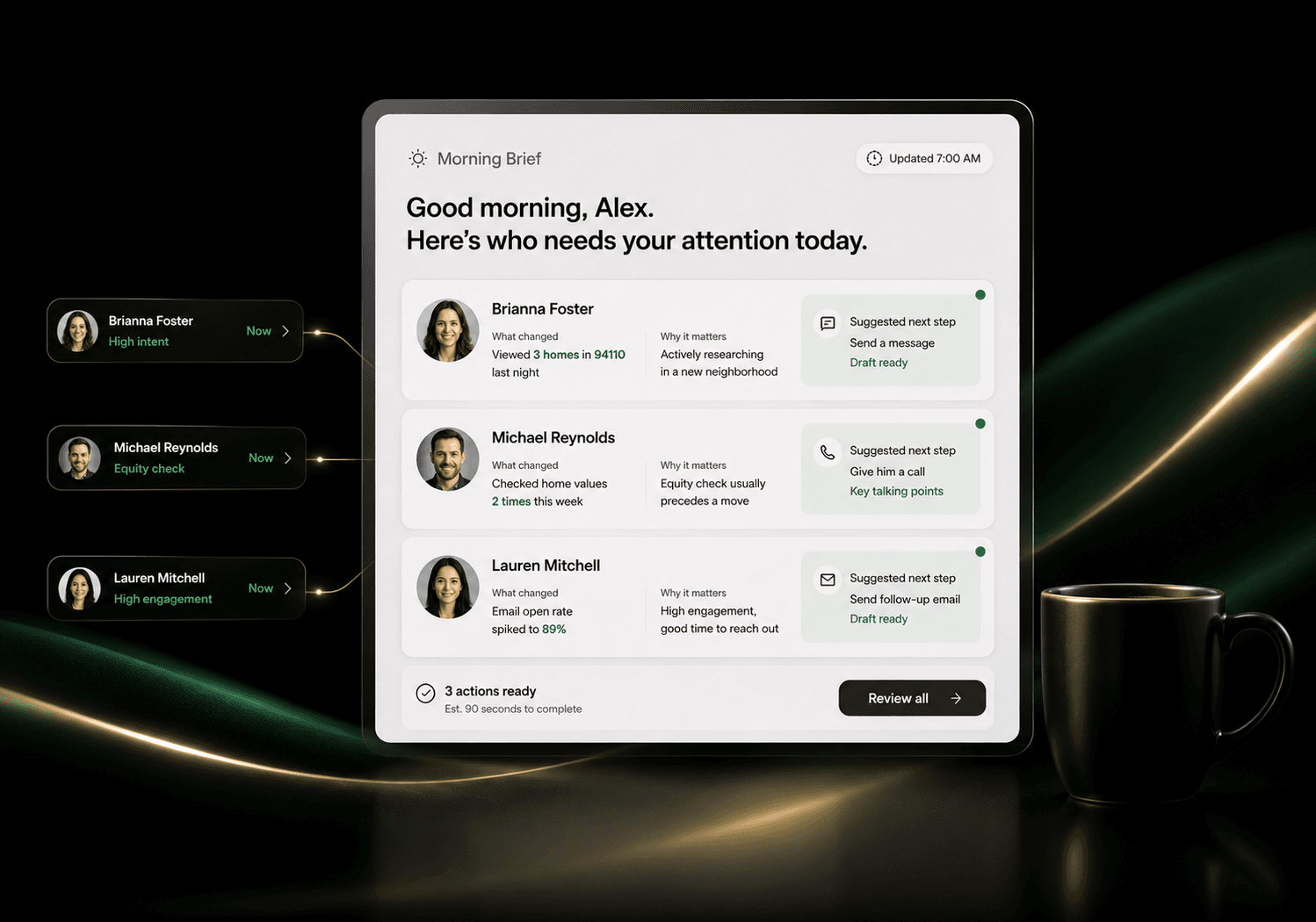
Next step
Give each agent a practical view of what is in front of them, with enough context to make the outreach personal.
The difference on a Tuesday
A database people actually use
A clearer day for every agent
Fewer relationships going quiet
Better visibility across the team
Questions
Yes. Concierge onboarding can help organize and import your existing contacts so you can start with the relationships you already built.
No. It can support active buyers and sellers, past clients, referrals, vendors, and the wider sphere that keeps a real estate business growing.
Yes. Teams can work from a shared view while keeping the ownership and permissions that fit how your business is organized.
One connected platform