
Context
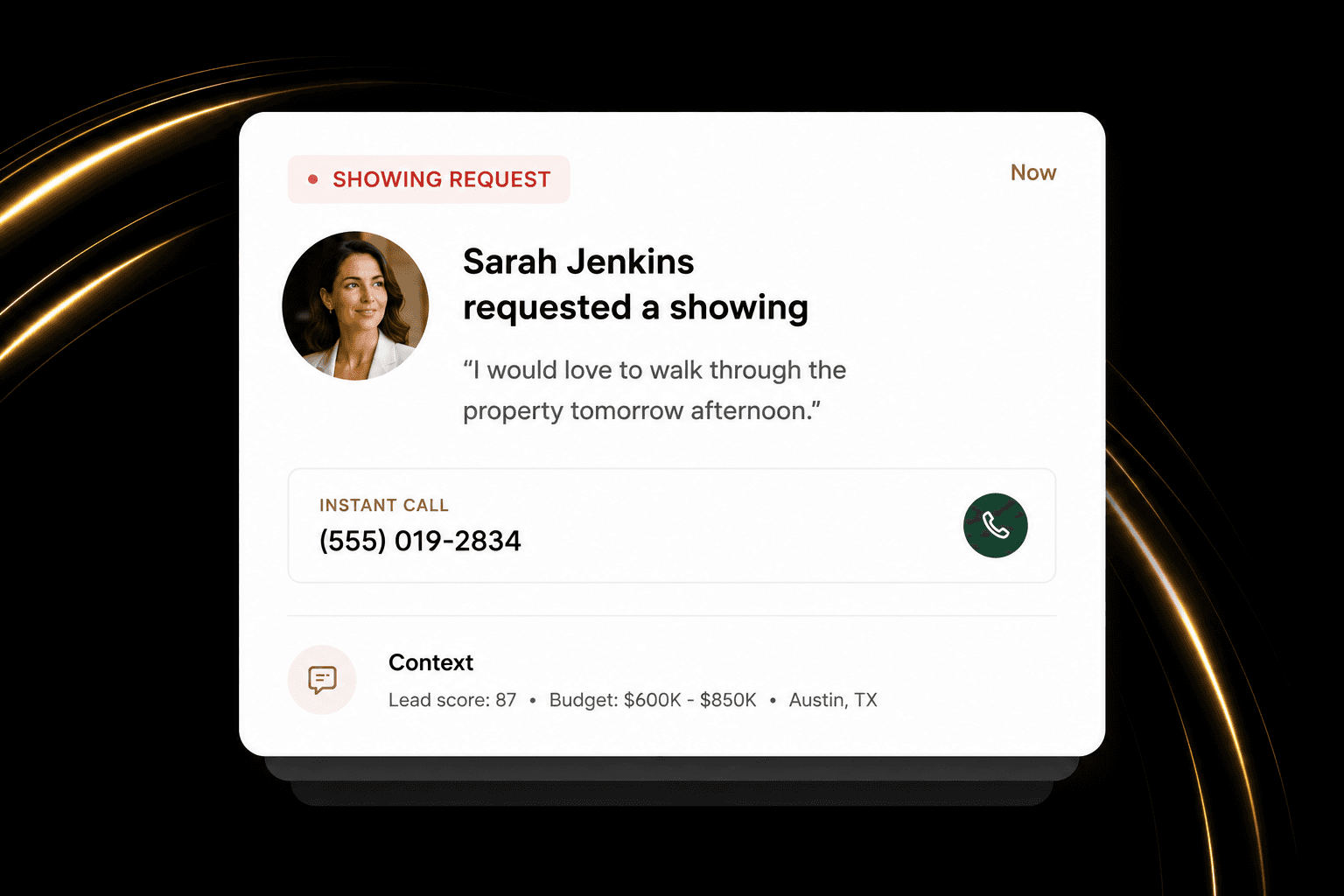
Know what caught their attention.
See where the lead came from, what they were looking at, and the details your team needs before replying.
First Response
Respond to new leads quickly with the context and handoff your team needs to start the right conversation.

Your brand
Built around how your business actually works
One connected platform
The tools that should work together, together
Concierge setup
We handle the technical work with you
How it works in practice
When a new lead comes in, respond fast without sounding rushed. Give your team the context to pick up the conversation naturally.
Context
See where the lead came from, what they were looking at, and the details your team needs before replying.

Handoff
When a teammate takes over, they have the conversation, property, and next-step context in front of them.
Human touch
Let the routine response happen quickly, then bring an agent in when the conversation needs judgment or a personal touch.
The difference on a Tuesday
Faster first responses
Better conversations from the start
Smoother team handoffs
More time for clients
Questions
When a new inquiry comes in, First Response brings the lead and property context together so the right person can respond quickly.
Yes. Teams can share visibility while keeping ownership of the client relationship clear.
No. It gives your team a better place to manage conversations and next steps while you keep the calling tools that work for you.
One connected platform